SupaKnock for iPhone
Your inbox,
on iPhone.
You don’t need your laptop to reply.
Read customer messages, send replies, and review feedback in a free native Swift app. Connect it to the SupaKnock server you already run.
Free to use Native Swift app iOS 17+
Self-host today.
Hosted service coming soon.
to get started.
01 / Chat
Catch up
and reply.
Open your inbox, read the context, and reply from your iPhone. Close a conversation when it’s handled, with its history there when you need it.
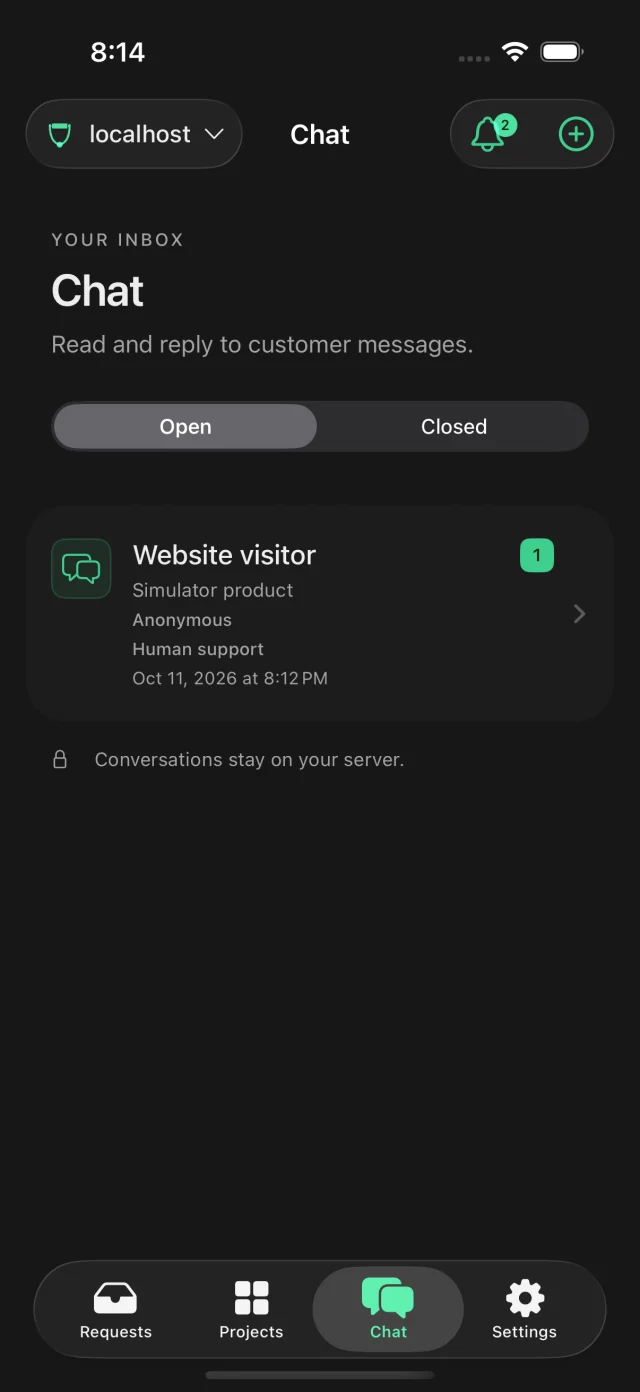
Open a chat.
Send a reply.
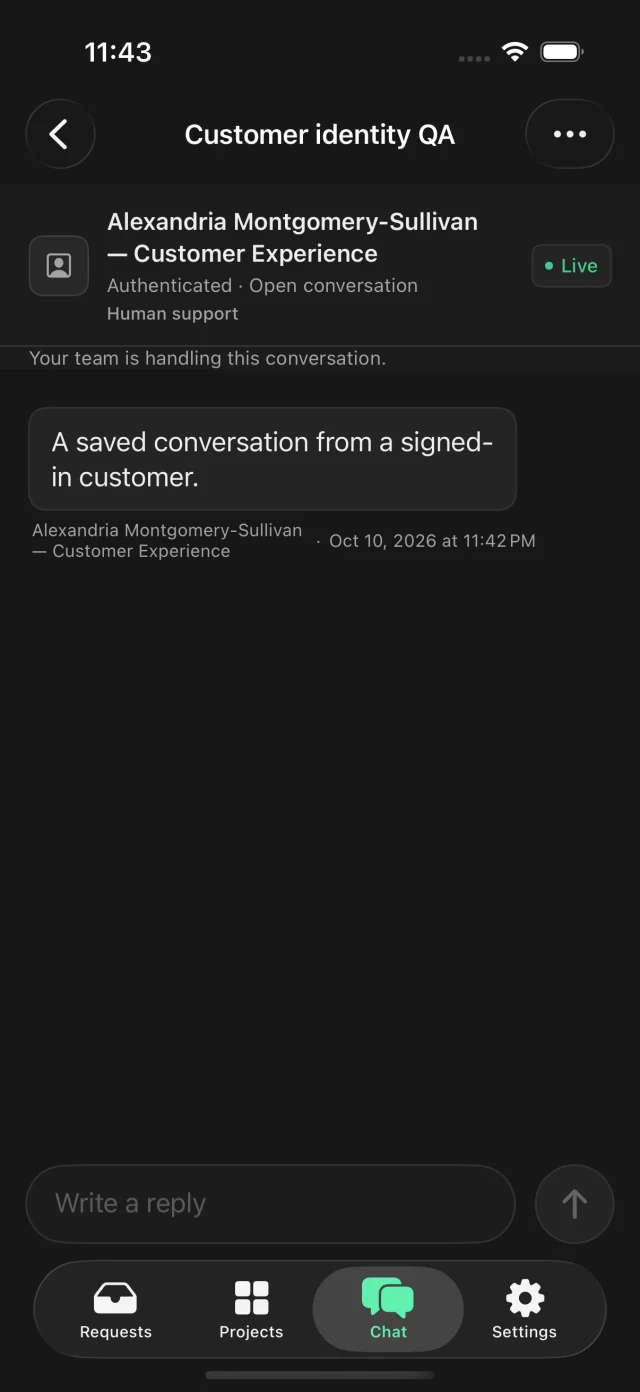
Real app screens from a simulator, with sample data.
02 / Feedback
Review new
feedback.
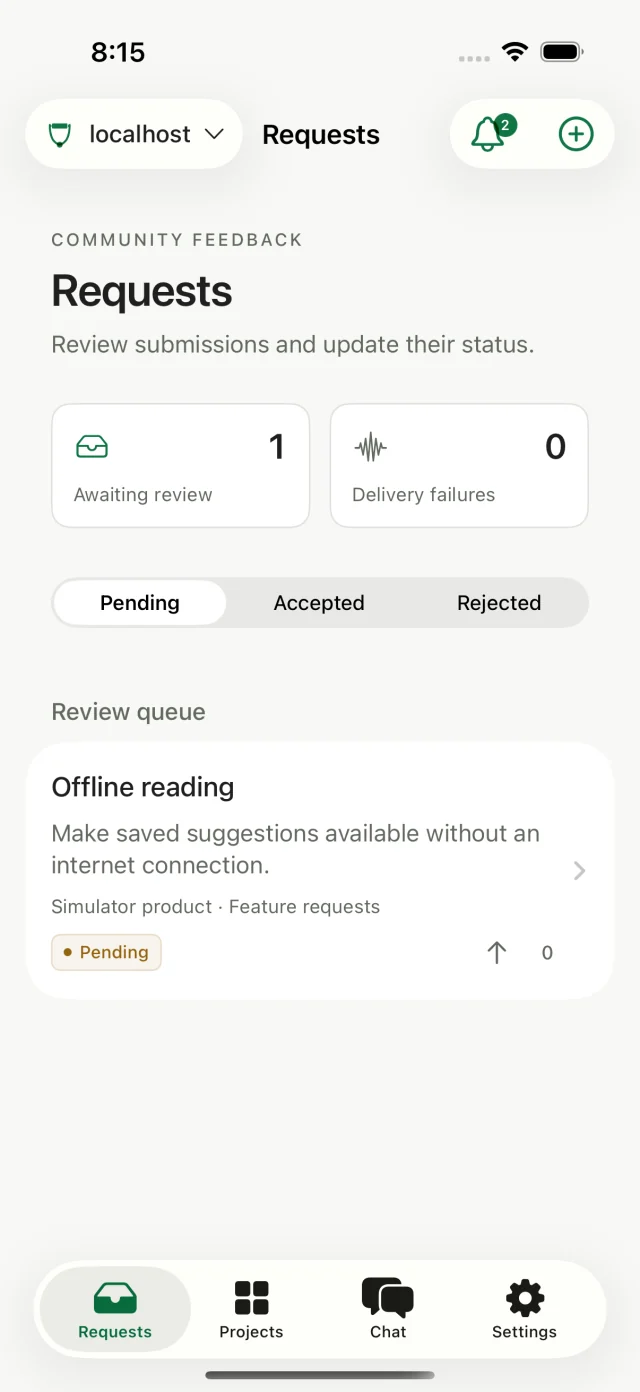
Accept or reject new submissions and update their status. Changes are saved to the same server your web app uses.
- Review before it’s public.
- Your moderation queue keeps new submissions together.
- See request details.
- Read the request, see its status, and decide what comes next.
- Light, dark, or your system.
- Pick light or dark mode, or follow your phone’s setting.
Getting connected
Three steps to sign in.
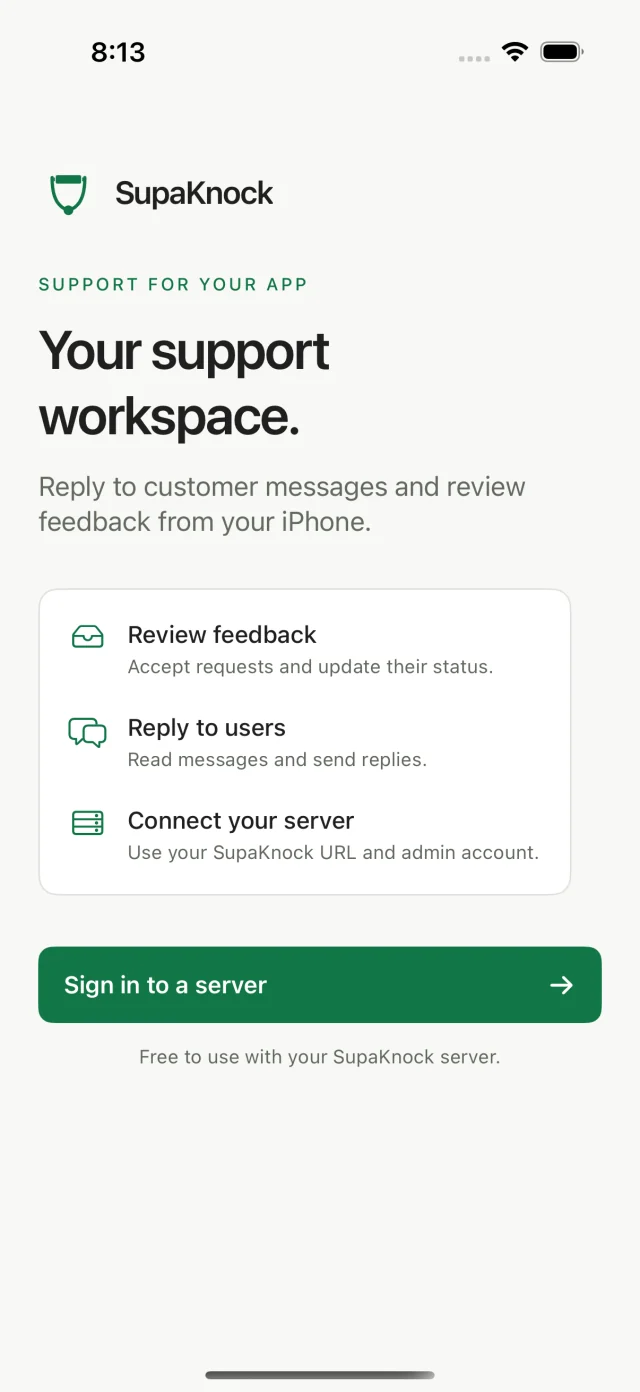
The iPhone app is free to use. It connects to your existing SupaKnock installation with the administrator account you already use on the web.
Start with your server.
Self-host SupaKnock and create your first administrator account. Use an HTTPS address your iPhone can reach.
Set up your serverEnter its address.
In the iPhone app, choose “Sign in to a server” and enter your SupaKnock server URL.
https://support.example.comSign in.
Use your server’s administrator email and password. Your projects, feedback, and conversations are ready to pick up.
Connected to your installation
Prefer us to host it?
Hosted service is coming soon. For now, run SupaKnock on your own server.
The native app is free.
Your server’s hosting costs are separate.

Already running SupaKnock?
Use the same server and administrator account on your iPhone.